Four ways to see your words
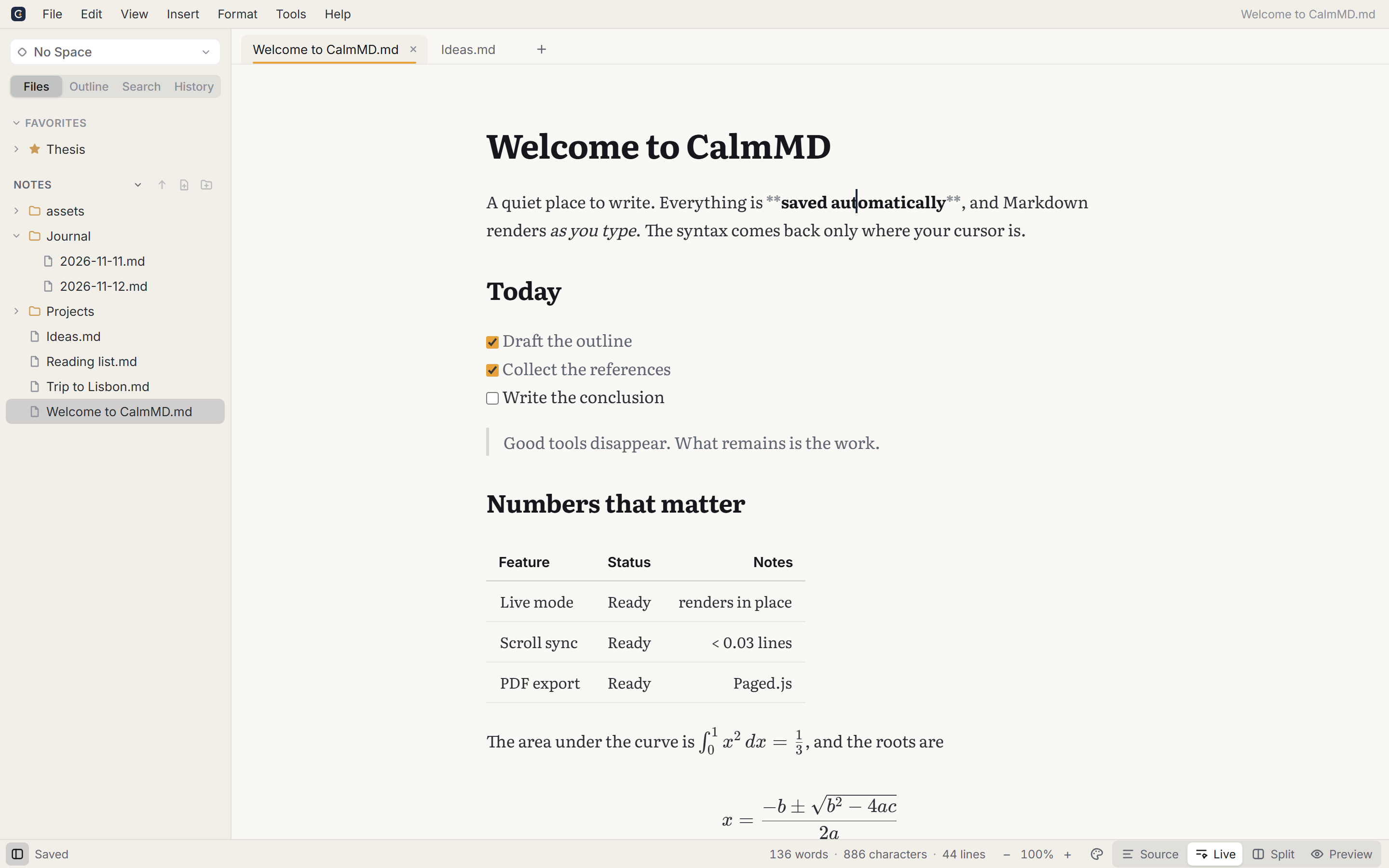
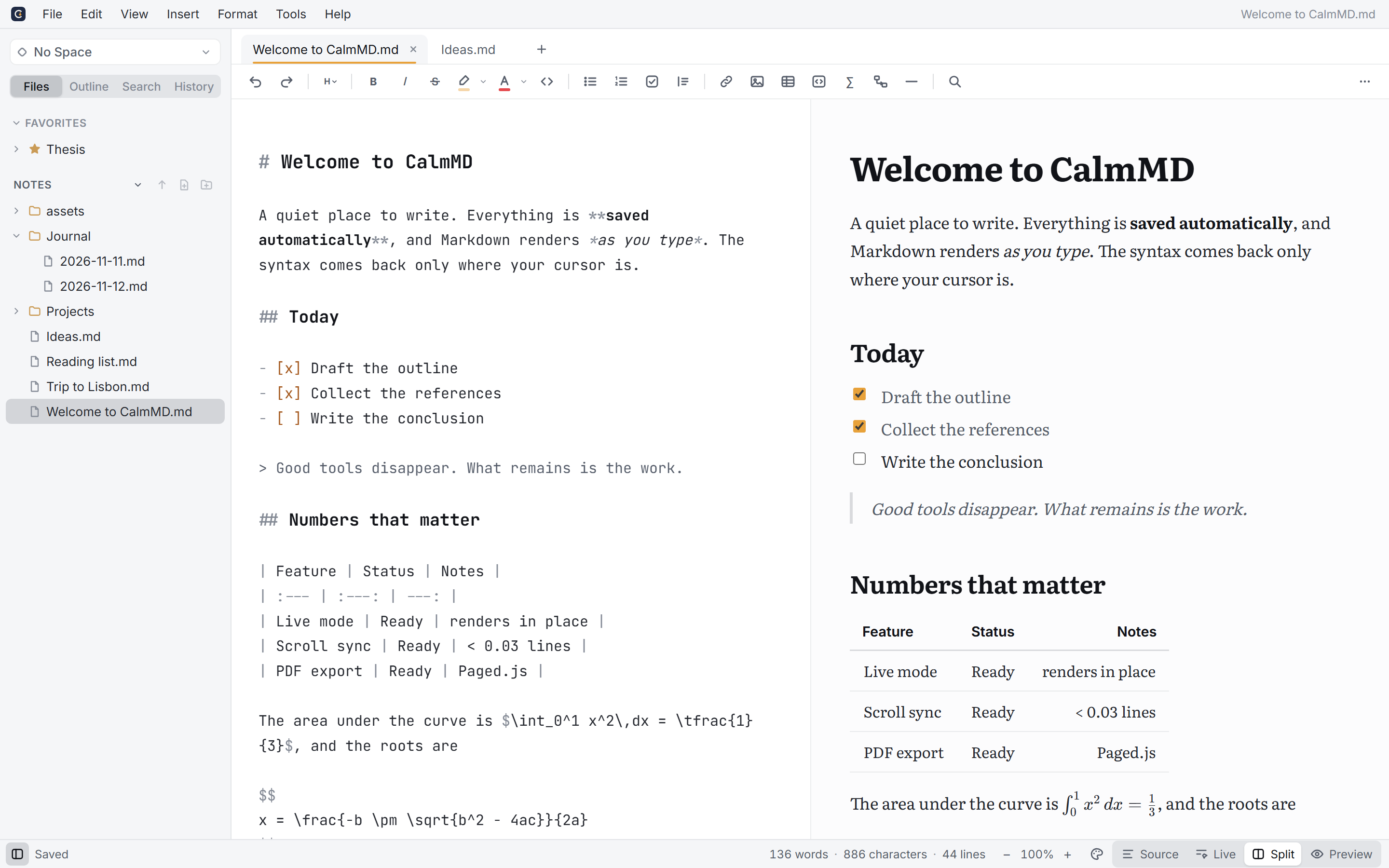
Live renders as you type and shows the Markdown only where your cursor is. Split puts source and page side by side, with scroll that actually lines up. Or go pure Source or Preview.
 CalmMD
Free and open source · Windows, macOS, Linux
A quiet place to write. Type Markdown and watch it become a beautiful page, then export a PDF worth sending. No account, no tracking, no subscription. Just your files.
Installers for Windows, macOS and Linux.
Almost there. Opening CalmMD the first time takes one extra step:
CalmMD_…_setup.exe..dmg and drag CalmMD into Applications..AppImage executable: right-click → Properties → Allow executing, or chmod +x CalmMD_*.AppImage..deb and .rpm.Why the warning? CalmMD is free and isn’t signed with a paid certificate yet. Install from the terminal to skip it.
No ribbons, no clutter, no pop-ups. Every tool is one click, keystroke or right-click away, and out of sight until then.
Plain .md files in your own folders. Open them in anything, sync them with anything, keep them in Git. Nothing to export, nothing locked in.
Every feature, for everyone. No account, no trial, no telemetry. MIT licensed, built in the open.
Features
Live renders as you type and shows the Markdown only where your cursor is. Split puts source and page side by side, with scroll that actually lines up. Or go pure Source or Preview.
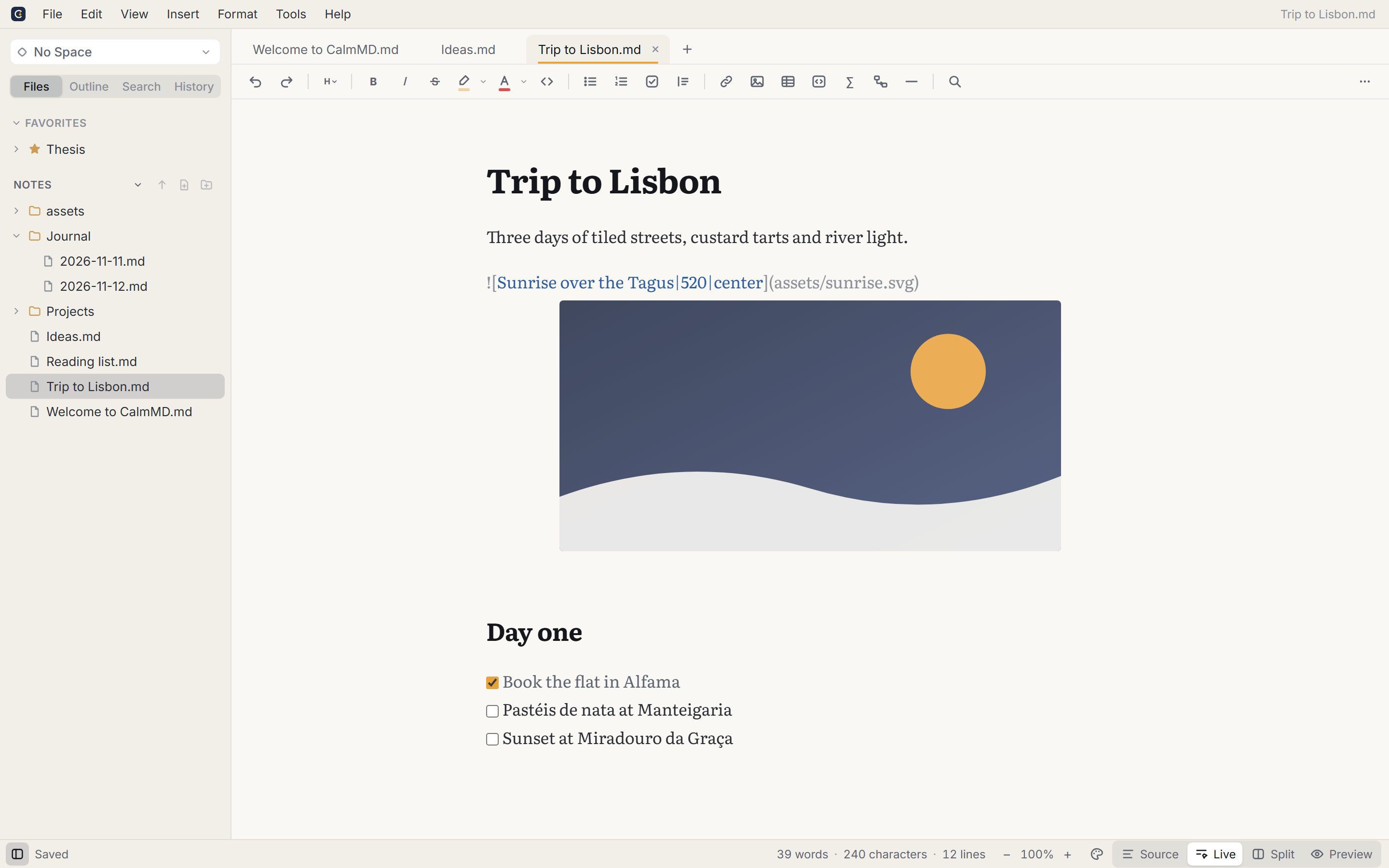
Paste a screenshot or drop a photo and it's saved next to your note, so the folder still works when you move or share it. Drag the corner to resize, or right-click to pick a size and align it left, center or right. It's all standard Markdown.
Sketch something with the built-in Excalidraw editor: each drawing is its own .excalidraw.svg file next to your notes, so it shows on GitHub too, and opens again for editing with a double-click.
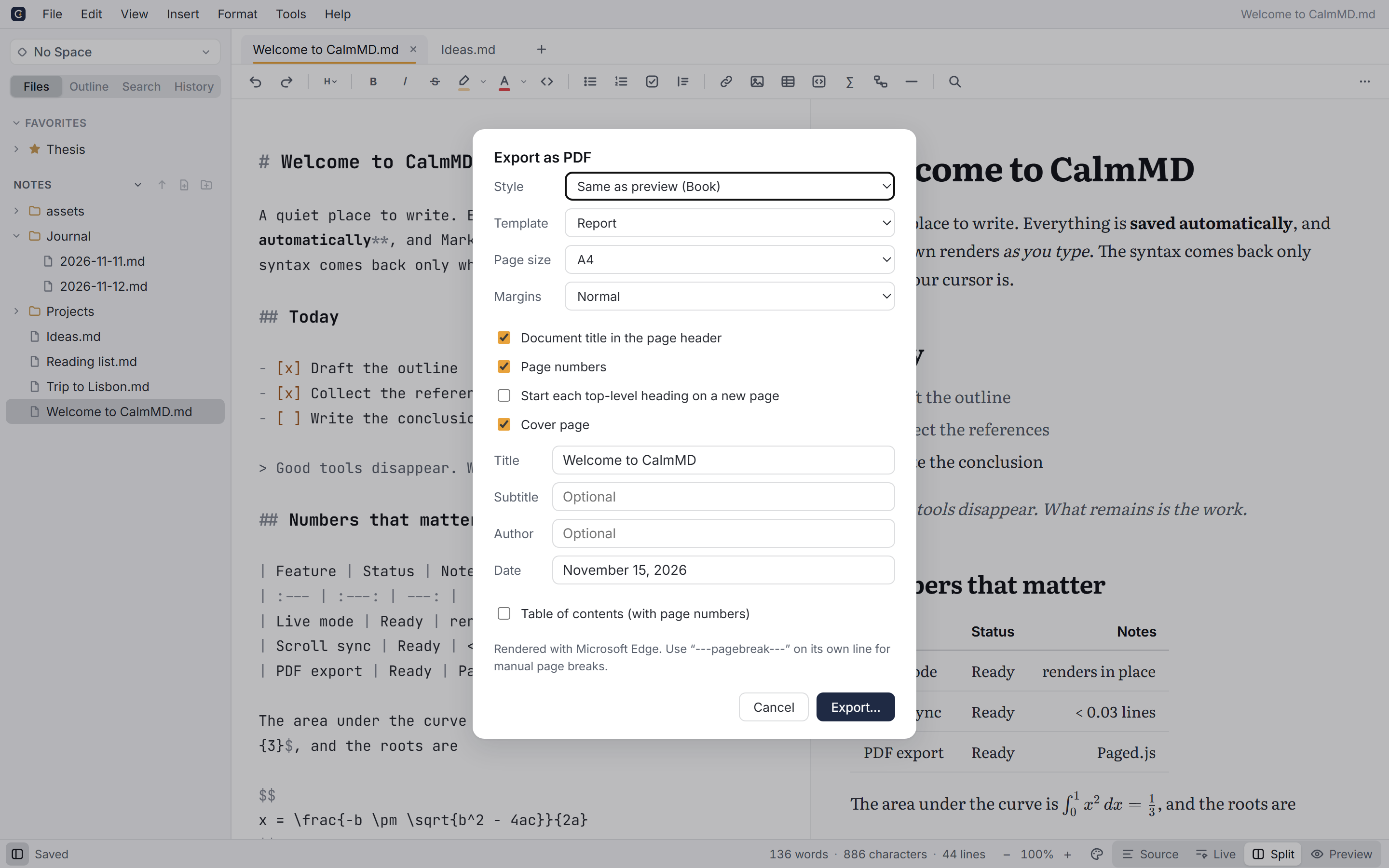
Headers, page numbers, a table of contents with real page numbers, cover pages and four templates. No LaTeX.
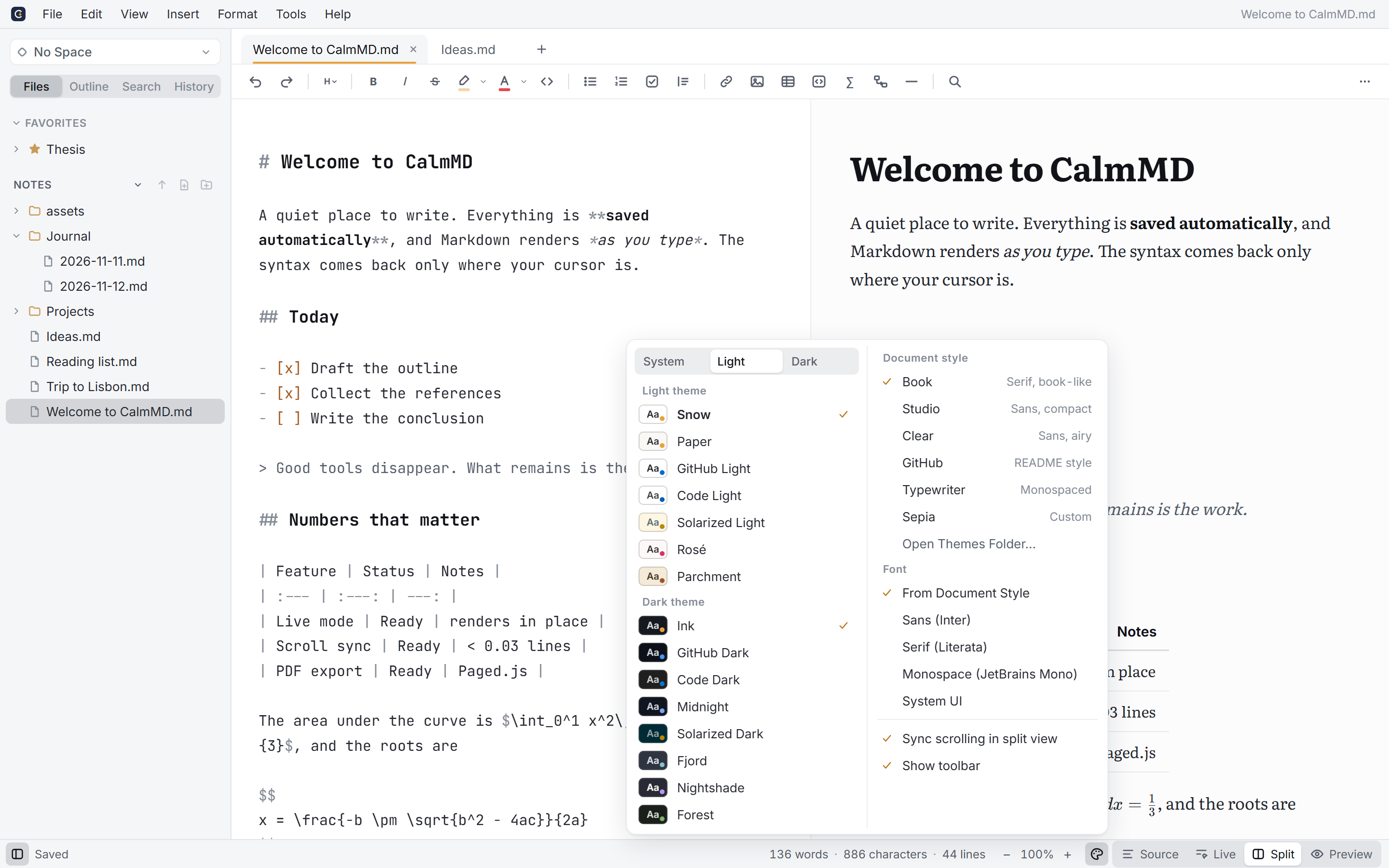
From pure white Snow to Nightshade, with five document styles from Book to Typewriter. Pick one for light and one for dark.
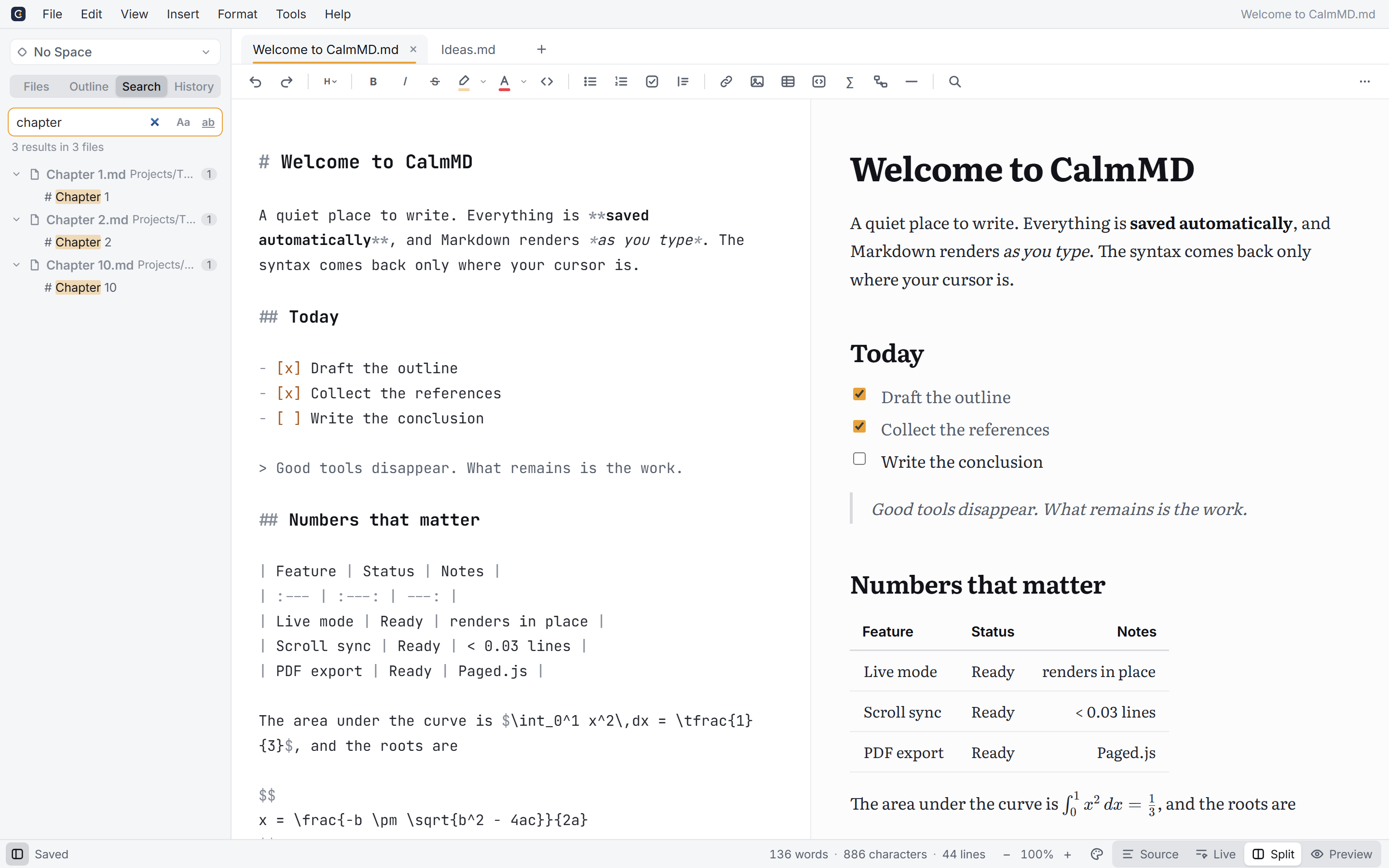
A folder sidebar, favourites, search across every note, and [[ links between notes. Spaces remember a whole setup.
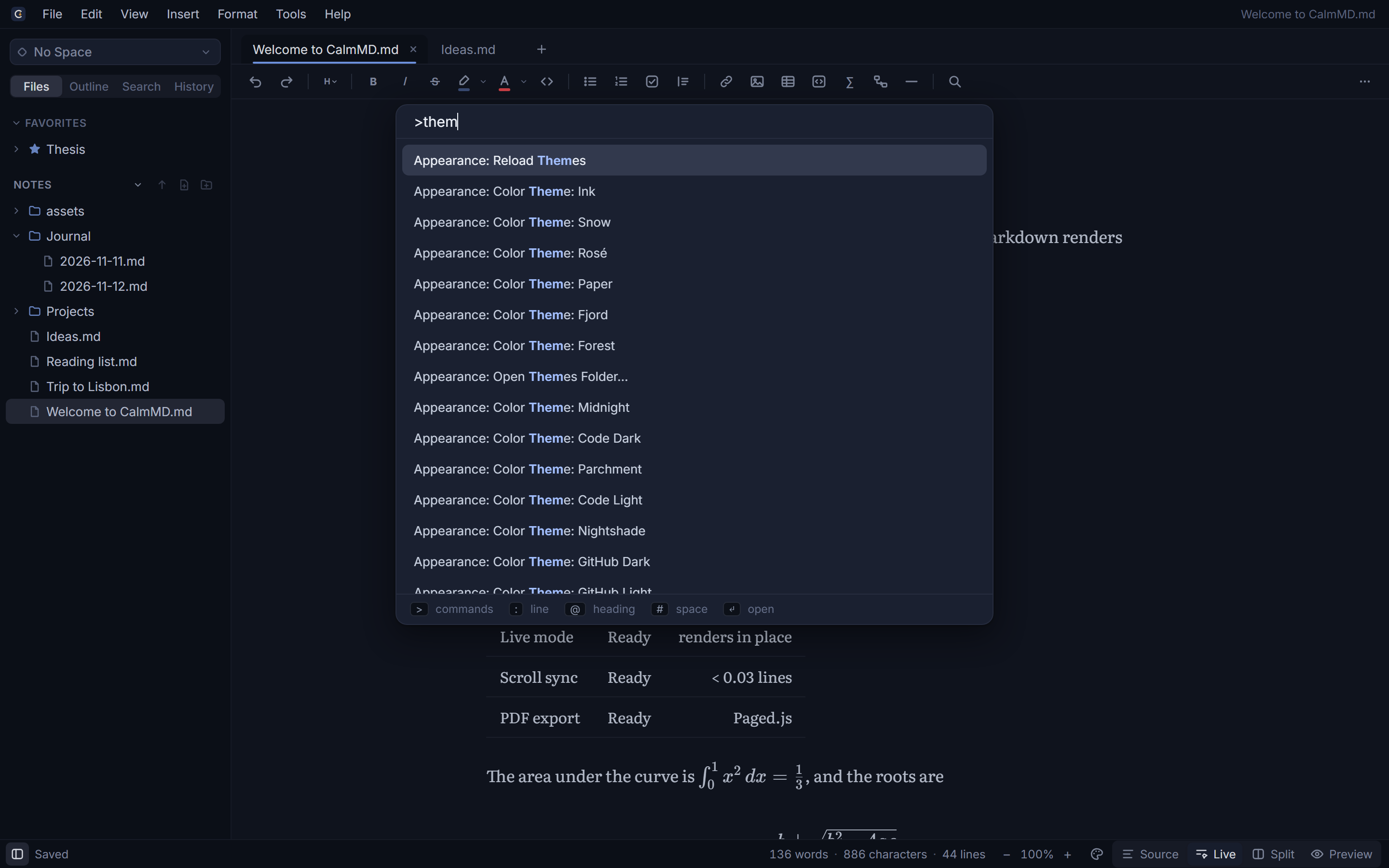
The command palette finds any action, file or setting. Type / on an empty line to insert anything.
Your files
CalmMD edits the Markdown files you already have, where they already are. They read the same on GitHub, in Obsidian, in VS Code, or in Notepad in twenty years.
Notes/
├─ Projects/
│  ├─ Launch plan.md
│  └─ assets/
│     └─ roadmap.png
├─ Journal/
│  ├─ 2026-11-12.md
│  └─ 2026-11-13.md
└─ Reading list.md
Download
Installers for every system. No sign-up, nothing to pay, ever.
First launch: CalmMD isn’t signed with a paid certificate yet, so Windows and macOS warn the first time. On Windows click More info → Run anyway. On a Mac, after the warning, open System Settings → Privacy & Security → Open Anyway (step by step). The terminal install below avoids both.
Or from the terminal, with no warnings. Both scripts check the download against the release checksums and install just for you, no admin needed (read them first: install.ps1, install.sh):
# Windows (Command Prompt or PowerShell)
powershell -NoProfile -Command "irm https://amilcarmalave.github.io/CalmMD/install.ps1 | iex"
# macOS and Linux
curl -fsSL https://amilcarmalave.github.io/CalmMD/install.sh | shThere isn't one. CalmMD is open-source software under the MIT licence, built by one person who wanted a better place to write. No ads, no paid tier, no data collection. If you'd like to help, star the project, tell a friend, or report a bug.
CalmMD isn't signed with a paid certificate yet. Click More info → Run anyway. Installing from the terminal (below the download buttons) avoids the message.
CalmMD isn’t notarized by Apple yet (that needs Apple’s paid developer program), so macOS blocks it the first time. 1. Open the .dmg and drag CalmMD to Applications. 2. Open CalmMD; when macOS says it can’t verify it, click Done (not Move to Trash). 3. Open System Settings → Privacy & Security, scroll down to “CalmMD was blocked”, click Open Anyway and confirm with your password or Touch ID. You only do this once. Or skip it all: install from the terminal with the one line below the download buttons.
Keep your notes folder in Dropbox, iCloud Drive, OneDrive or Google Drive. CalmMD works with plain files and notices when they change on disk.
No. No telemetry, no analytics, no account, and it works fully offline. The only thing it can ask the internet, if you say yes when it first opens, is whether there’s a new version (once a day, from GitHub). See the privacy page.
Yes. CalmMD writes standard GitHub-flavoured Markdown. Extras like highlights and colours fall back gracefully elsewhere.